
- What personal context actually gives Siri access to
- How onscreen awareness lets Siri act on more things
- How to control what Siri can and can’t see
Two of the features doing the most work in the new Siri are also the ones worth understanding properly before you start relying on them: personal context and onscreen awareness. Between them, they’re the difference between Siri answering a generic question and Siri answering something specific to you and what you’re doing.
What personal context means
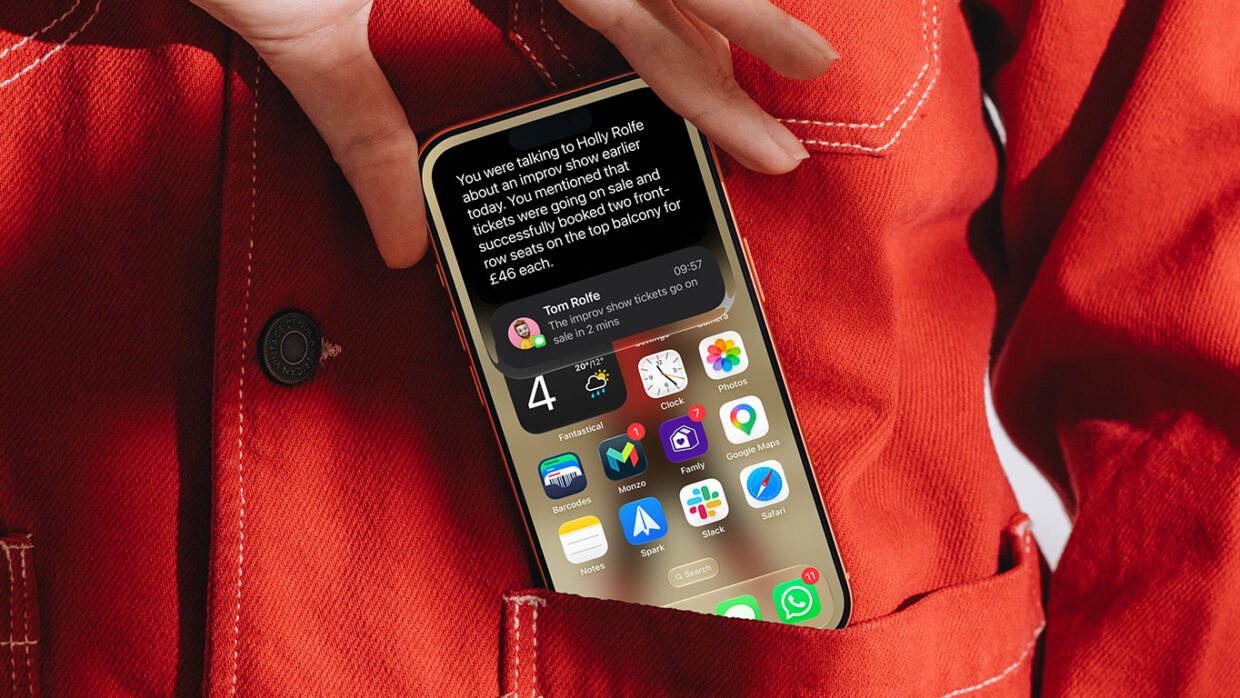
Personal context is Apple’s term for Siri being able to search across the information already on your device – messages, emails, notes, calendar events, contacts, and reminders – rather than just responding to what you type or say in the moment.
In practice, that means you can ask things like “find the email where Claire mentioned the Halloween party,” “what books did Holly recommend me?” or “pull up photos from our trip to Copenhagen,” and Siri will actually go and look, the same way you would if you remembered roughly what you were searching for but not exactly where. It also brings receipts, showing you a snippet of where the information was found.

It also extends beyond Apple’s own apps. When developers integrate their apps with Spotlight, Siri’s personal context understanding can reach into those too – so this should only get more useful as more third-party apps opt in over the next year.
What onscreen awareness means
Onscreen awareness is the other half of the equation: Siri can see whatever’s currently on your display and act on it, without you having to explain what you’re looking at.
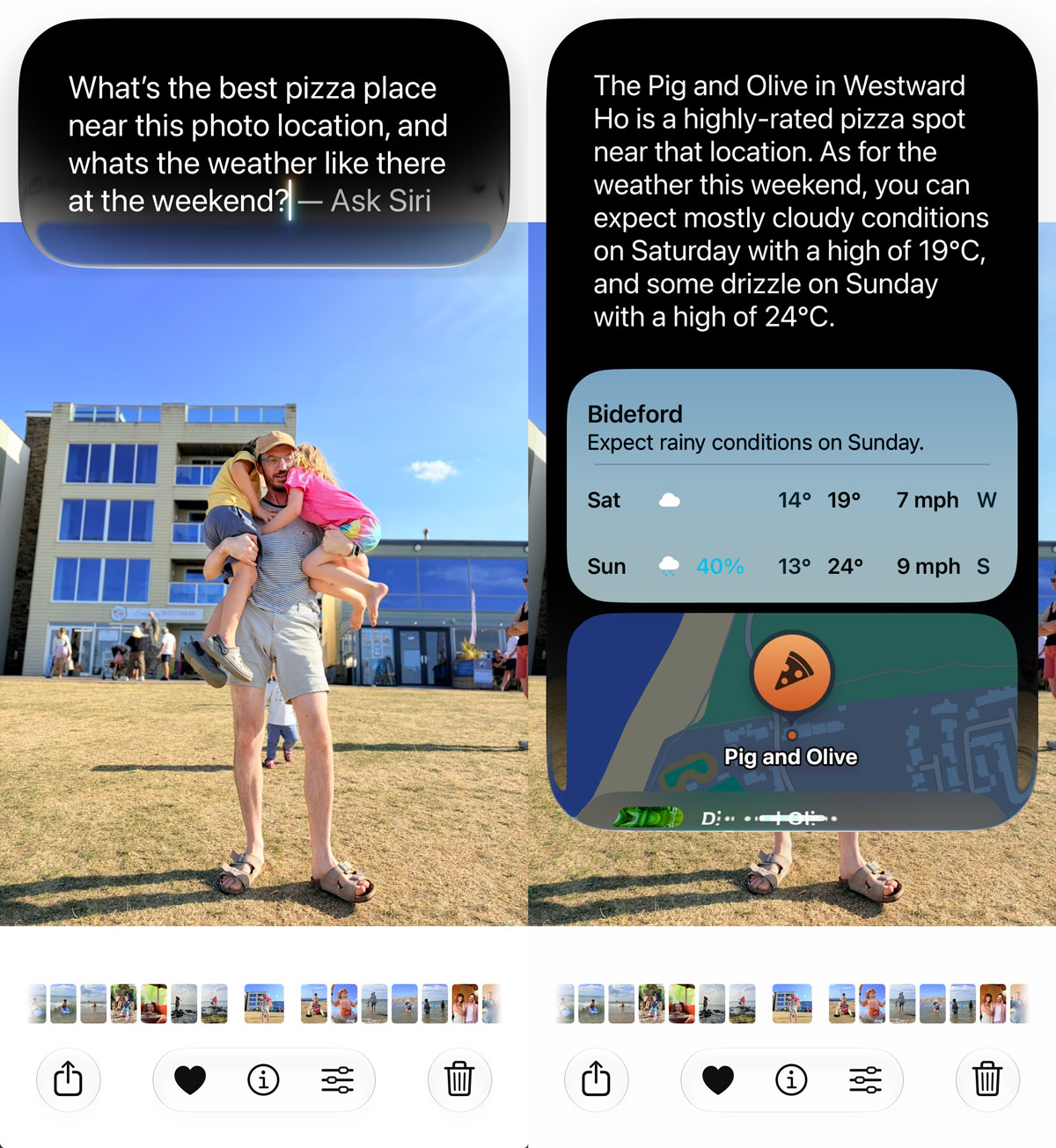
If a friend texts you an address, you can ask Siri to add it to their contact card, no copying and pasting required. If there’s a photo in an app and you want to know where it was taken or what’s nearby, you can just ask while looking at it.
Troubleshooting tip: if Siri seems to be misunderstanding what “this” or “that” refers to, it’s worth being a bit more specific in the moment – onscreen awareness works best when there’s one obvious thing on screen for it to latch onto, not several competing options.